
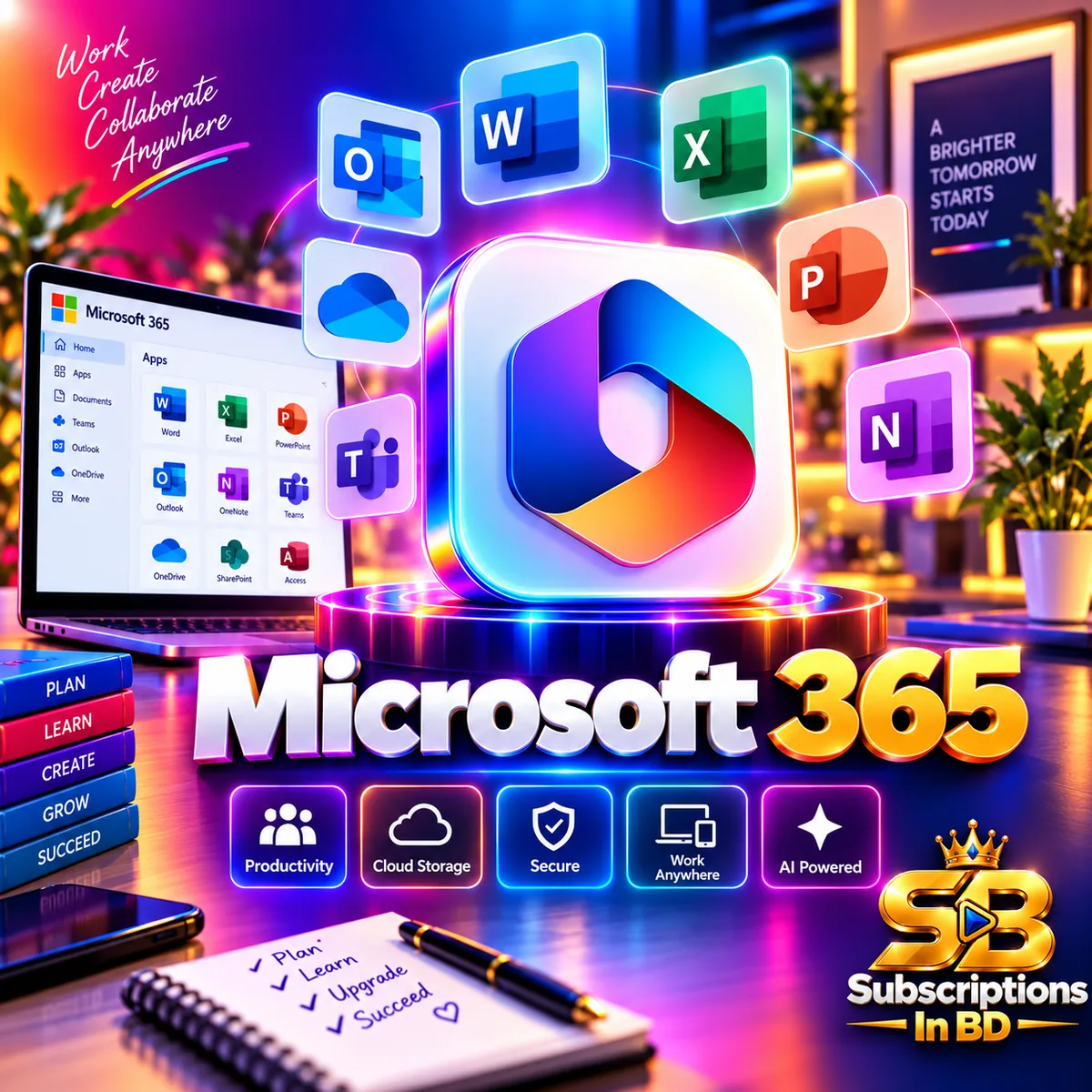
Quick answer: The Microsoft 365 price in Bangladesh is ৳990 per month at Subscriptions in BD. You get a ready-made personal Microsoft account on the Microsoft 365 Personal plan, with the full desktop versions of Word, Excel, PowerPoint, Outlook and OneNote, 1 TB of OneDrive cloud storage and Copilot AI inside the apps. You pay in taka with bKash, Nagad or Rocket, and the login reaches your WhatsApp within 10 minutes to 3 hours during office hours.
| Quick Facts (Updated November 2026) | |
|---|---|
| Price | ৳990 per month |
| Plan | Microsoft 365 Personal, 1 month |
| Account type | Ready-made personal Microsoft account, not shared; password changeable |
| Main features | Word, Excel, PowerPoint, Outlook, OneNote, 1 TB OneDrive, Copilot AI, Microsoft Defender, Clipchamp and Designer |
| Best for | Students, office workers, teachers, freelancers and small business owners |
| What you need | A WhatsApp number to receive the login; no card needed |
| Devices | Sign in on up to 5 devices at once: Windows PC, Mac, Android, iPhone and iPad |
| Delivery | Within 10 minutes to 3 hours during office hours |
| Warranty | Full month: fix, replacement or refund of unused days |
| Refund | Full refund if we cannot activate your account |
| Renewal | Renew before the month ends to keep editing and your 1 TB storage |
| Support | WhatsApp help in Bangla |
| Payment | bKash, Nagad, Rocket or local card |
Almost every office, university and client in Bangladesh still runs on Word, Excel and PowerPoint. Assignments are submitted as .docx files, salary sheets live in Excel, and every pitch ends in a PowerPoint deck. Yet many people work on a cracked copy that breaks after an update, or on the free web version that is missing half the tools.
I am MD Rasidul Haque, and I started Subscriptions in BD after more than ten years of helping Bangladeshi buyers get dollar-priced software without a dollar card. Microsoft 365 is one of the products our customers ask about most, especially before exams, job interviews and tax season. This plan gives you the genuine apps, kept up to date by Microsoft, for a small monthly amount in taka.
With this Microsoft 365 account, you can write, calculate, present and store your files with the same tools your teachers, bosses and clients use.
Microsoft sells Microsoft 365 Personal mainly as a yearly plan charged in dollars. The full year must be paid at once, and the price is set by Microsoft for each country, so it can change without warning.
To pay, you need an international card. However, many Bangladeshi debit cards are declined for software purchases, and dual-currency cards come with fees and tight dollar limits. In addition, the free trial asks for a card up front, and when an automatic renewal fails, your apps switch to read-only mode in the middle of your work.
We solve that problem. You pay a fixed monthly amount in taka, and we deliver a working Microsoft 365 login. Many people search for “Microsoft 365 near me” or “Microsoft Office shop in Dhaka” because they want a seller they can talk to. Since delivery is online, we serve every district, from Dhaka and Chattogram to Sylhet and Rangpur, with WhatsApp help in Bangla.
Last updated: November 2026
| Option | Price | Cost per day | Payment | Best For |
|---|---|---|---|---|
| Free Microsoft 365 web apps | ৳0 | — | None | Light editing in a browser, 5 GB storage |
| Microsoft 365 Personal (Our Offer) | ৳990 per month | About ৳33 | bKash, Nagad, Rocket | Full desktop apps, 1 TB storage, Copilot |
| Official Microsoft 365 Personal | Dollar price set by Microsoft, usually billed yearly | Varies | International card only | Buyers with a working dollar card |
For example, a single CV, thesis or business proposal that looks professional can be worth far more than one month of the plan. You also avoid paying for a full year when you only need Office for a semester or a project.
Microsoft 365 is Microsoft’s subscription for its Office apps and cloud services. It used to be called Office 365. Instead of buying one version of Office once, you subscribe and always get the newest version, with security updates and new features as soon as Microsoft releases them.
Microsoft sells several home plans. Microsoft 365 Personal is for one person, Microsoft 365 Family is for up to six people, and Microsoft 365 Premium adds the highest Copilot AI limits. There are also separate Business plans for companies. The Personal plan is the most popular choice for individual students and professionals in Bangladesh.
You get the installable desktop apps, not just the web versions. Word handles long documents, references and track changes. Excel supports advanced formulas, pivot tables and charts. PowerPoint gives you Designer layouts, transitions and presenter view.
Outlook keeps your email, calendar and contacts in one place, and it can connect your Gmail too. OneNote is a digital notebook for class notes, meeting notes and ideas, synced across all your devices.
OneDrive gives you 1 TB (1,000 GB) of secure cloud storage. Your files back up automatically, so a broken laptop or a lost phone does not mean lost work. You can also share a file or folder with a simple link.
Microsoft 365 Personal includes Copilot, Microsoft’s AI assistant, with higher usage limits than the free version. Copilot can draft a letter in Word, suggest formulas and charts in Excel, turn notes into slides in PowerPoint and summarise long email threads in Outlook. AI usage limits apply each month.
You can stay signed in on up to five devices at the same time: for example, your laptop, your office PC, your phone and your tablet.
The plan also includes Microsoft Defender for online security, premium effects in the Clipchamp video editor, and Microsoft Designer for AI images and social media graphics.
| Brand | Microsoft |
| Product Name | Microsoft 365 Personal |
| Product Type | Office and productivity subscription |
| Account Type | Personal account, not shared |
| Duration | 1 month |
| Users | 1 person |
| Devices | Up to 5 at once |
| Cloud Storage | 1 TB OneDrive |
| Apps | Word, Excel, PowerPoint, Outlook, OneNote, Clipchamp, Designer, Defender |
| AI | Copilot in the apps, with monthly usage limits |
| Platforms | Windows, macOS, Android, iOS, iPadOS and web |
| Payment Methods | bKash, Nagad, Rocket, local card |
| Delivery Time | 10 minutes to 3 hours during office hours |
| Warranty | Full month |
| Origin | Microsoft, USA |
| Point | Cracked or “activated” Office | Shared Microsoft 365 login | Our Personal Account |
|---|---|---|---|
| Updates | Blocked or risky | Yes | Yes, always the latest version |
| Security | Often carries malware | Others can open your files | Safe, your own password |
| OneDrive storage | None | Shared with strangers | 1 TB, all yours |
| Copilot AI | No | Limits used by others | Yes, your own monthly limits |
| Warranty | None | Usually none | Full month |
| Support | None | Often disappears | WhatsApp in Bangla |
Your documents may hold exam answers, client contracts or salary data. That is why we never sell shared Microsoft 365 logins. Your files and your OneDrive stay private.
আমার অভিজ্ঞতা: Microsoft 365 নেওয়ার পর প্রথম দিনেই Desktop-এর ফোল্ডারগুলো OneDrive-এ backup চালু করে নিন। আমাদের অনেক কাস্টমার ল্যাপটপ নষ্ট হওয়ার পরও OneDrive থেকে পুরো থিসিস আর অফিসের ফাইল ফিরে পেয়েছেন।
One month is ideal for a busy period, such as exams, a project deadline or the end of the financial year. Here is how many of our customers use it:
আমার অভিজ্ঞতা: Microsoft 365 install করার আগে কম্পিউটারে পুরোনো বা cracked Office থাকলে আগে সেটা uninstall করে নিন। না হলে activation-এ সমস্যা হয়, আর এই অভিযোগটাই আমরা সবচেয়ে বেশি পাই।
Buying software online means trusting the seller with your money and your files. That is why Subscriptions in BD keeps every promise simple and written down.
“Most Office problems we see come from cracked copies that break at the worst moment, the night before a deadline. A genuine Microsoft 365 account just works, and that peace of mind is what we sell.” — MD Rasidul Haque, Founder, Subscriptions in BD
If you need more storage for photos and videos, compare this plan with our Google Drive storage plan. For heavier AI writing and research, many students pair Microsoft 365 with Claude AI Pro, and for online classes and client calls they add Google Meet Premium. You can also browse our office and productivity software or go back to the full product list.
If we cannot activate your account, you get a full refund. During the month, our warranty covers the plan: if it stops working, we fix it, give you a replacement or refund the unused days. However, once the account is delivered and working, we cannot refund a simple change of mind. Please read our full refund and returns policy and terms and conditions before you order.
It costs ৳990 per month at our store, paid in taka.
You get Microsoft 365 Personal, the plan for one person with the full Office apps and 1 TB of OneDrive.
No. You get a personal login with your own password, and nobody else uses it.
Yes. You can install the full desktop apps on Windows and Mac, plus the mobile apps.
You can stay signed in on up to five devices at the same time.
You get 1 TB of OneDrive cloud storage for your files and photos.
Yes. Copilot works inside Word, Excel, PowerPoint and Outlook, with monthly AI usage limits.
Yes. It works on Android, iPhone and iPad through the Microsoft 365 apps.
Your files stay saved, but the apps become read-only until you renew. Download anything you need before the plan ends.
No. This Microsoft 365 plan is sold monthly, and our free YouTube Premium bonus comes only with 3-month, 6-month or 1-year packages.
Usually, the login arrives within 10 minutes to 3 hours during office hours.
At checkout, choose bKash, Nagad, Rocket or a local debit or credit card.
Yes. We send a setup guide, and our team helps on WhatsApp if installation gets stuck.
Send your order number on WhatsApp. Under our warranty, we will fix, replace or refund it.
Yes. Delivery is fully online, so we serve every district in Bangladesh.
বাংলাদেশে মাইক্রোসফট ৩৬৫-এর দাম মাসে ৳৯৯০। আপনি পাবেন একটা পার্সোনাল Microsoft একাউন্ট, যেটা শেয়ার করা নয়। এতে Word, Excel, PowerPoint, Outlook আর OneNote-এর পূর্ণ desktop ভার্সন, ১ টেরাবাইট OneDrive স্টোরেজ আর Copilot AI পাবেন। একসাথে ৫টা ডিভাইসে ব্যবহার করা যাবে। পেমেন্ট বিকাশ, নগদ বা রকেটে, ডেলিভারি ১০ মিনিট থেকে ৩ ঘণ্টায়।
মাসে ৳৯৯০।
না। একাউন্টটা শুধু আপনার, আর আপনি password বদলাতে পারবেন।
হ্যাঁ। Windows আর Mac-এ পূর্ণ desktop অ্যাপ install করা যাবে, মোবাইলেও চলবে।
হ্যাঁ। পুরো মাসের ওয়ারেন্টি আছে: ঠিক করে দেওয়া, বদলে দেওয়া বা বাকি দিনের টাকা ফেরত।
আমার পরামর্শ: Microsoft 365 অর্ডার করার আগে Microsoft-এর official Microsoft 365 Personal page দেখে নিন, তাহলে কোন কোন অ্যাপ আর ফিচার পাবেন তা পরিষ্কার বুঝবেন।
 WhatsApp Group
 Telegram Group
 Facebook Group
Reviews
There are no reviews yet.