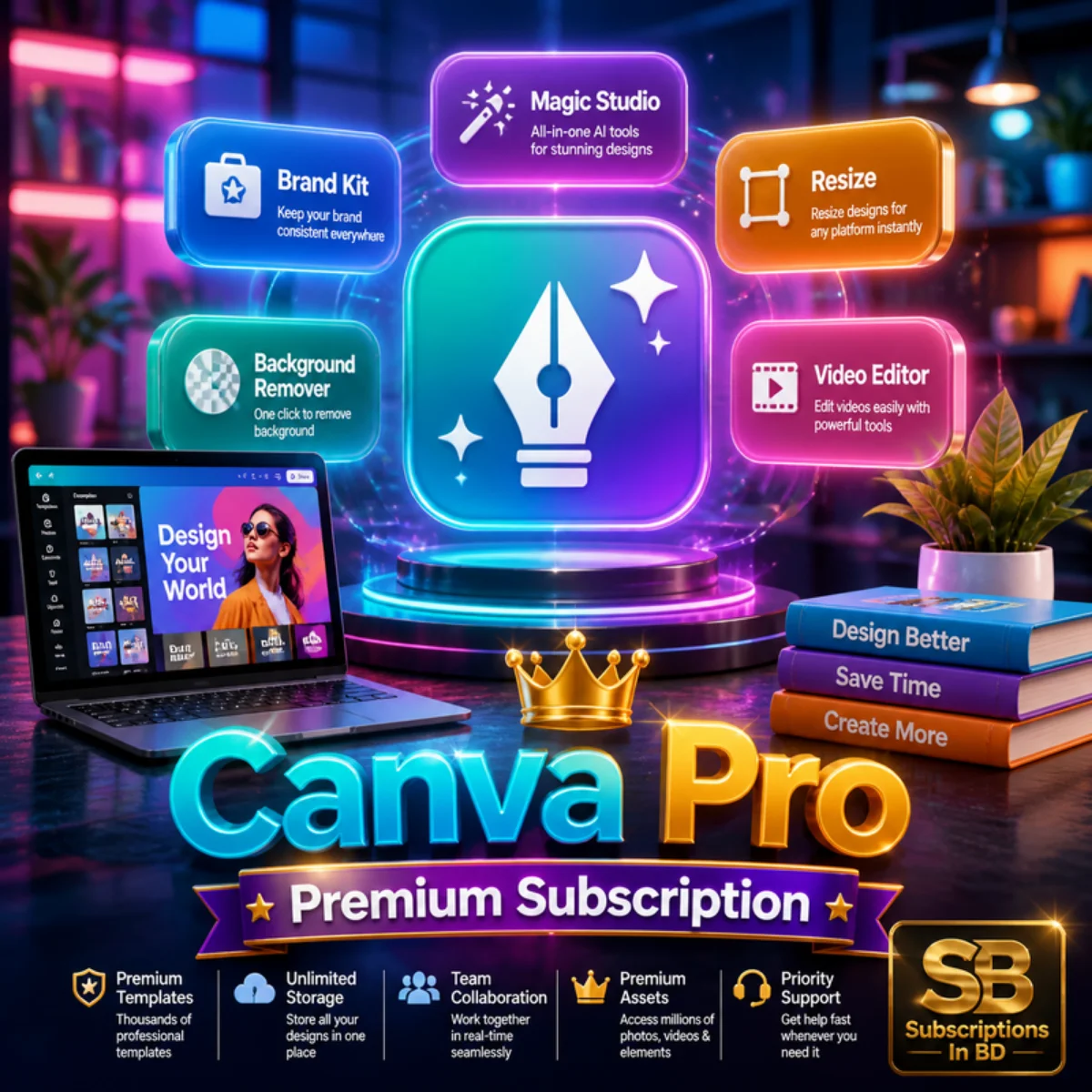
In short: Canva Pro costs ৳90 per month at Subscriptions in BD. You get Canva Pro on your own Canva account through an official team invitation, paid in taka with bKash, Nagad or Rocket.
Last updated: November 2026
Good design brings customers. A clean Facebook ad, a clear YouTube thumbnail or a neat product banner makes people stop and look. Canva made design easy for everyone, and Canva Pro adds the tools that save the most time: premium templates, a background remover, brand colors and one-click resizing.
I am MD Rasidul Haque, and I started Subscriptions in BD after more than ten years of helping Bangladeshi buyers pay for dollar-priced apps without a dollar card. I run campaigns and design work almost every day, and Canva Pro is one of the tools I would not want to work without.
| Option | Price | Cost per day | Payment |
|---|---|---|---|
| Canva Free | ৳0 | — | None |
| Canva Pro (Our Offer) | ৳90 per month | About ৳3 | bKash, Nagad, Rocket |
| Official Canva Pro | Charged by Canva in dollars or local currency | Varies | International card |
The official price changes by country and billing period, so check Canva’s own pricing page for the current amount. A dollar card is also often declined in Bangladesh, which is the main reason our customers choose us. For about ৳3 a day, a single client post or ad creative usually pays for the whole month.
We believe in being clear about how the service is delivered, so here is the exact method.
Because the plan is delivered as a team invitation, your login and designs stay in your own account. We never ask for your password.
আমার অভিজ্ঞতা: Canva Pro নিয়েই প্রথমে আপনার Brand Kit সেট করে ফেলুন। লোগো, ব্র্যান্ডের রং আর ফন্ট একবার সেভ করে রাখলে প্রতিটা পোস্ট ১০ মিনিটের মধ্যে বানানো যায়। আমার ক্লায়েন্টদের পেজ এতে অনেক বেশি প্রফেশনাল দেখায়।
| Point | Canva Free | Canva Pro |
|---|---|---|
| Templates | Many, but Pro ones are locked | All Pro templates |
| Premium photos and elements | Limited | Very large library |
| Background Remover | No | Yes |
| Magic Resize | No | Yes |
| Brand Kit | No | Yes |
| Magic Studio AI tools | Basic limits | Higher limits |
| Best use | Simple, occasional designs | Regular, professional work |
An honest note: Canva Pro makes design faster, but it does not replace good taste. A strong layout, clear text and a good photo still decide how a design looks.
Good fit:
Not a good fit:
| Brand | Canva |
| Plan | Canva Pro |
| Product Type | Online design tool subscription |
| Delivery Method | Official team invitation to your own account |
| Duration | 1 month |
| Platforms | Web, Android and iOS |
| Payment Methods | bKash, Nagad, Rocket, local card |
| Delivery Time | 10 minutes to 3 hours during office hours |
| Warranty | Full month |
Bangladeshi creators use Canva every day: Facebook posts for small shops, YouTube thumbnails, Eid and Pohela Boishakh greeting cards, CVs, school projects, and ad creatives for foreign clients on Fiverr and Upwork. Canva Pro removes the biggest daily friction, because you no longer search for a locked template or fix a background by hand. Online sellers also like how quickly one product photo can become a post, a story and a banner.
| Your job | What you make | Pro tool that helps most |
|---|---|---|
| YouTuber | Thumbnails, channel banner, end screens | Background Remover, premium elements |
| Online shop owner | Product posts, price cards, sale banners | Magic Resize, Brand Kit |
| Freelancer | Client social media kits, logos for pitches | Pro templates, Brand Kit |
| Student or teacher | Presentations, posters, worksheets | Premium templates, stock photos |
| Job seeker | CV and cover letter | Pro resume templates |
Each of these jobs repeats every week. That is why a small monthly cost for Pro makes sense: the time you save on every single design adds up quickly, and you can spend it on clients, content or study instead.
People often ask whether they should learn Photoshop or stay with Canva. The honest answer depends on your work. Canva is the fastest way to make social posts, thumbnails, presentations and simple ads, and a beginner can produce good results on the first day. Photoshop and Illustrator give much deeper control for photo retouching, detailed vector art and print production, but they take months to learn and cost more. Many professionals use both: Canva for fast daily work and Adobe tools for special projects.
আমার অভিজ্ঞতা: শুধু canva.com-এর অফিশিয়াল সাইট বা অ্যাপে লগইন করবেন। “ফ্রি Canva Pro” লিংকে Google বা ইমেইল পাসওয়ার্ড দিলে অ্যাকাউন্ট হ্যাক হওয়ার ঝুঁকি থাকে।
Designers often pair Canva with CapCut Pro for video editing and Adobe Creative Cloud for advanced work. For AI images with clear text, many also use Ideogram Plus. You can also browse our creative software or go back to the full product list.
If we cannot activate Canva Pro, you get a full refund. During the month, our warranty covers the subscription: if Pro stops because of our side, we fix it or refund the unused days. However, once Pro is active, we cannot refund a change of mind. Please read our full refund and returns policy and terms and conditions before you order.
It costs ৳90 per month at our store, paid in taka with bKash, Nagad or Rocket.
You send us the email of your own Canva account. We add it to a Canva Pro team through an official invitation, and you accept it from your email. Your designs stay in your account.
No. You use your own Canva login and password. We never ask for your password.
No. Your existing designs stay in your account. When you join the Pro team, you can keep working on them and use Pro tools on top.
Premium templates, millions of premium photos and elements, Magic Studio AI tools, Background Remover, Brand Kit, Magic Resize and more storage.
Yes. Background Remover, premium elements and Magic Resize make thumbnails much faster, and you can export in high quality.
Canva’s licence allows commercial use of most content, but some items have limits, such as logos and trademarks. Check Canva’s content licence for details.
Yes. You can use Canva Pro on Android, iOS and the web with the same account.
Your account stays, but Pro tools switch off until you renew. Designs that use Pro-only items may show a watermark or lock until you renew.
No. This is a paid month. If you want to test, you can use Canva Free first and upgrade when you are ready.
No. Each subscription is for one person on one account.
Usually 10 minutes to 3 hours during office hours.
At checkout, choose bKash, Nagad, Rocket or a local debit or credit card.
No. This Canva Pro plan is sold monthly, and our free YouTube Premium bonus comes only with 3-month, 6-month or 1-year packages.
Send your order number on WhatsApp. Under our warranty, we will fix it or refund the unused days.
বাংলাদেশে Canva Pro-এর দাম মাসে ৳৯০। এটা আপনার নিজের Canva অ্যাকাউন্টে অফিশিয়াল টিম ইনভাইটের মাধ্যমে চালু হবে। এতে প্রিমিয়াম টেমপ্লেট, Background Remover, Brand Kit, Magic Resize আর Magic Studio AI টুল পাবেন। পেমেন্ট বিকাশ, নগদ বা রকেটে, অ্যাক্টিভেশন ১০ মিনিট থেকে ৩ ঘণ্টায়।
মাসে ৳৯০।
হ্যাঁ। আপনার অ্যাকাউন্টের সব ডিজাইন যেমন আছে তেমনই থাকবে।
না। আমরা শুধু আপনার ইমেইল নিই, পাসওয়ার্ড কখনো চাই না।
হ্যাঁ। পুরো মাসের ওয়ারেন্টি আছে: সমস্যা হলে ঠিক করে দেওয়া বা বাকি দিনের টাকা ফেরত।
আমার পরামর্শ: অর্ডার করার আগে Canva-র official Canva pricing page দেখে নিন, তাহলে Free আর Pro-এর পার্থক্য পরিষ্কার বুঝবেন।
 WhatsApp Group
 Telegram Group
 Facebook Group
Reviews
There are no reviews yet.